PHOTO RESTORATION ON YOUR PHONE
Bring old photos back to life
Restore the faces you love — sharp, in color, in seconds. Scan a paper photo or pick one from your gallery, and Memora does the rest.
✓
Private by design — photos are deleted from our servers right after processing.
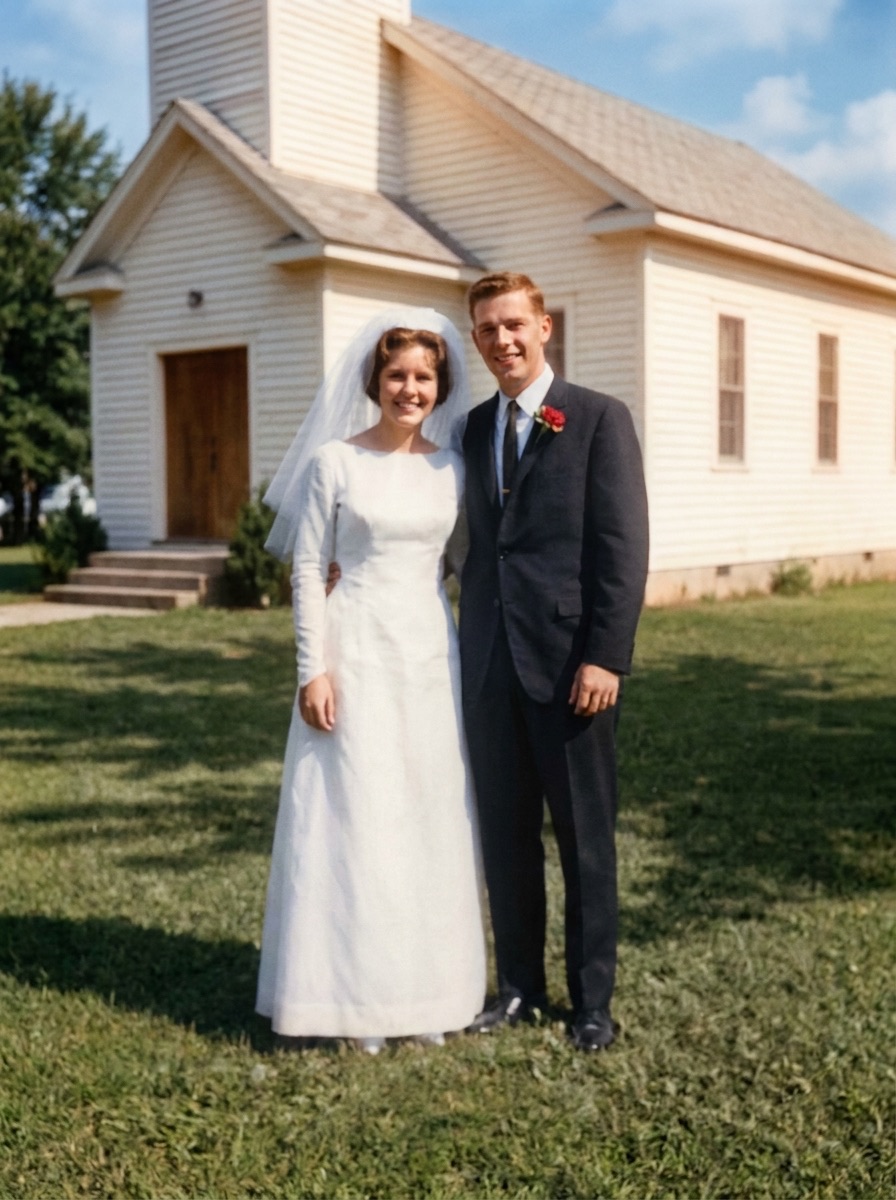
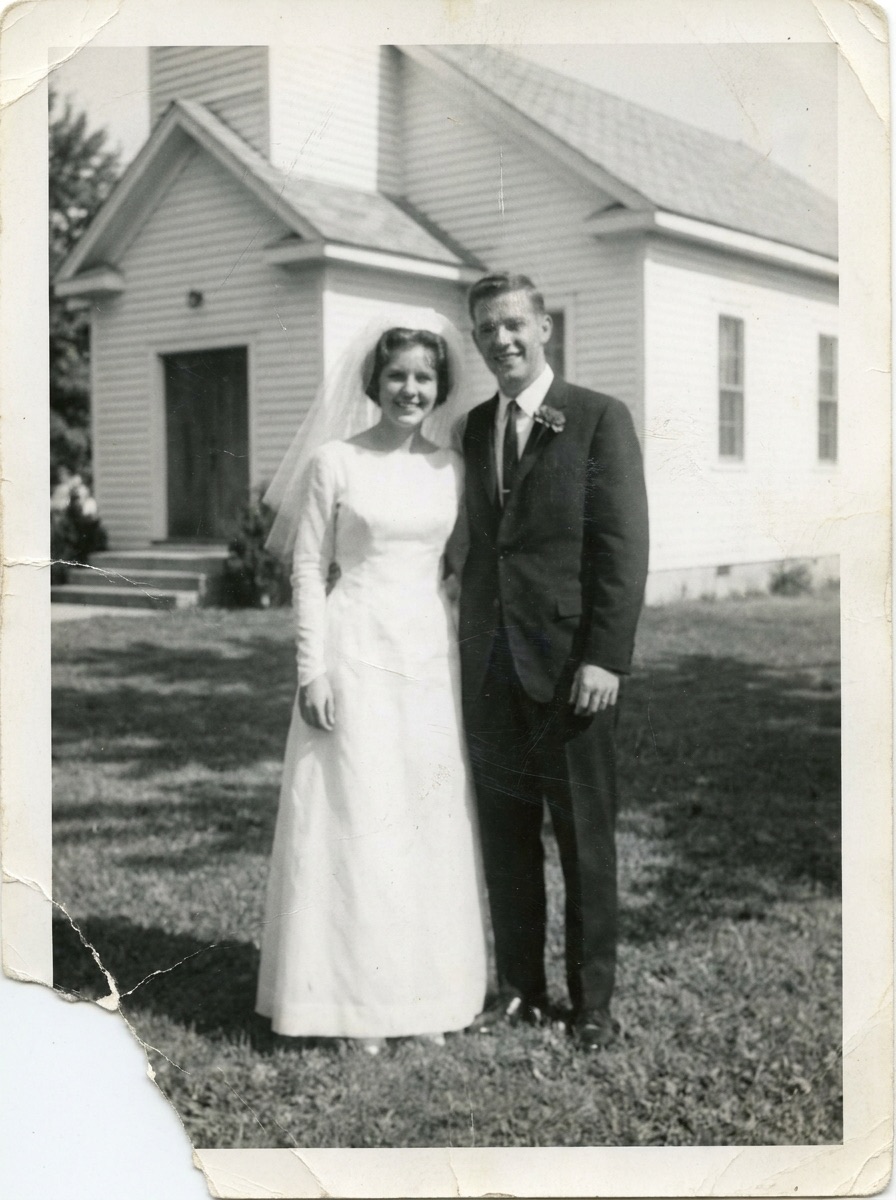
HOW IT WORKS
Three steps, no skills needed
1
Add a photo
Pick one from your gallery, or point your camera at a paper photo — Memora crops and flattens it for you.
2
Memora restores it
Faces get sharp, damage disappears, faded tones come back. Add color to black-and-white photos with one tap.
3
Save and share
Keep the full-resolution result in your album, print it, or send it to the family group chat.


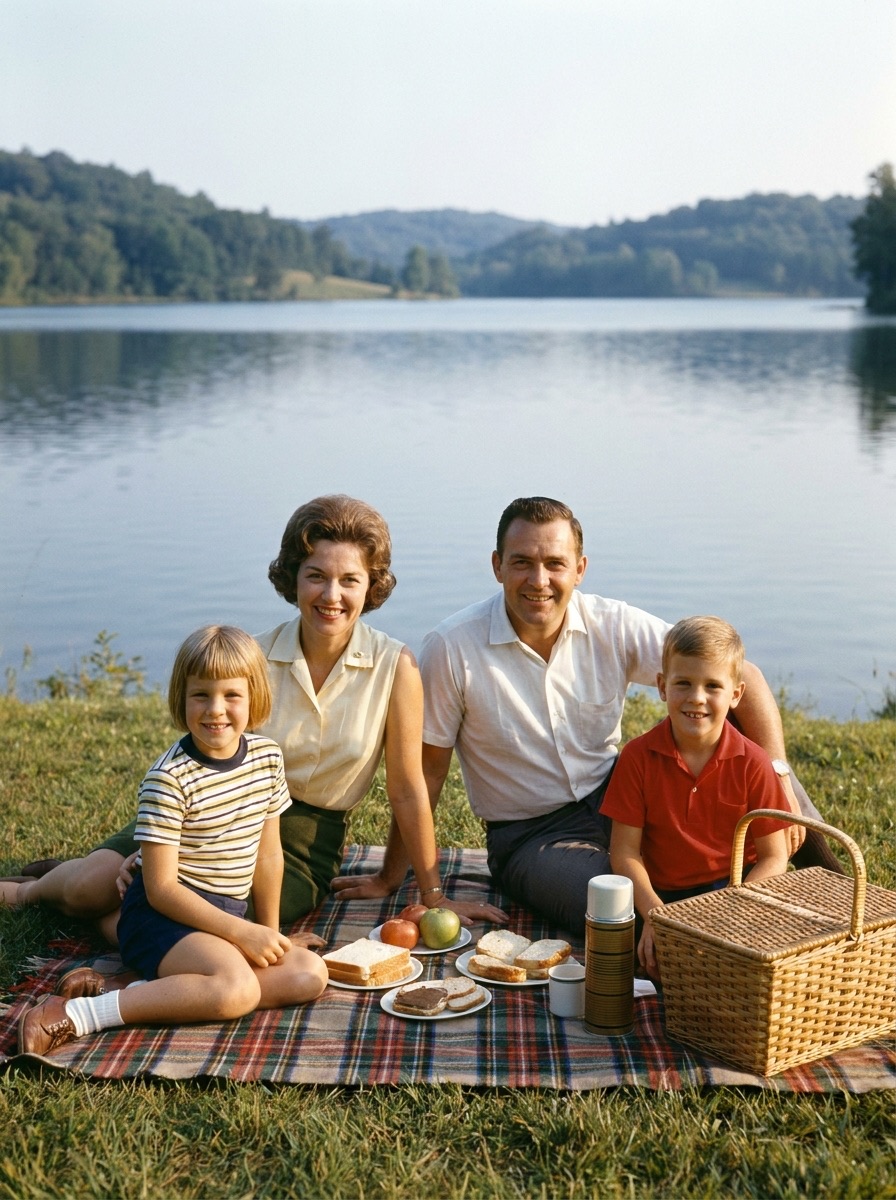
Real photos restored with Memora — full resolution, ready to print.
REVIEWS
Loved by families
4.8 average on the App Store
★★★★★
“The only photo of my grandmother as a young woman was creased and faded. Now it's framed on our wall.”
Margaret W. · App Store
★★★★★
“I re-shot a whole shoebox of paper photos in one evening. My mother cried when she saw them in color.”
Dmitri K. · Google Play
★★★★★
“Simple enough that my 78-year-old father uses it himself. The faces really do come back.”
Anna L. · App Store
FAQ
Common questions
The faces you miss are waiting
Download Memora and restore your first photo in under a minute.
 Memora
© 2026 Memora. All rights reserved.